## 🧩 What is this project?
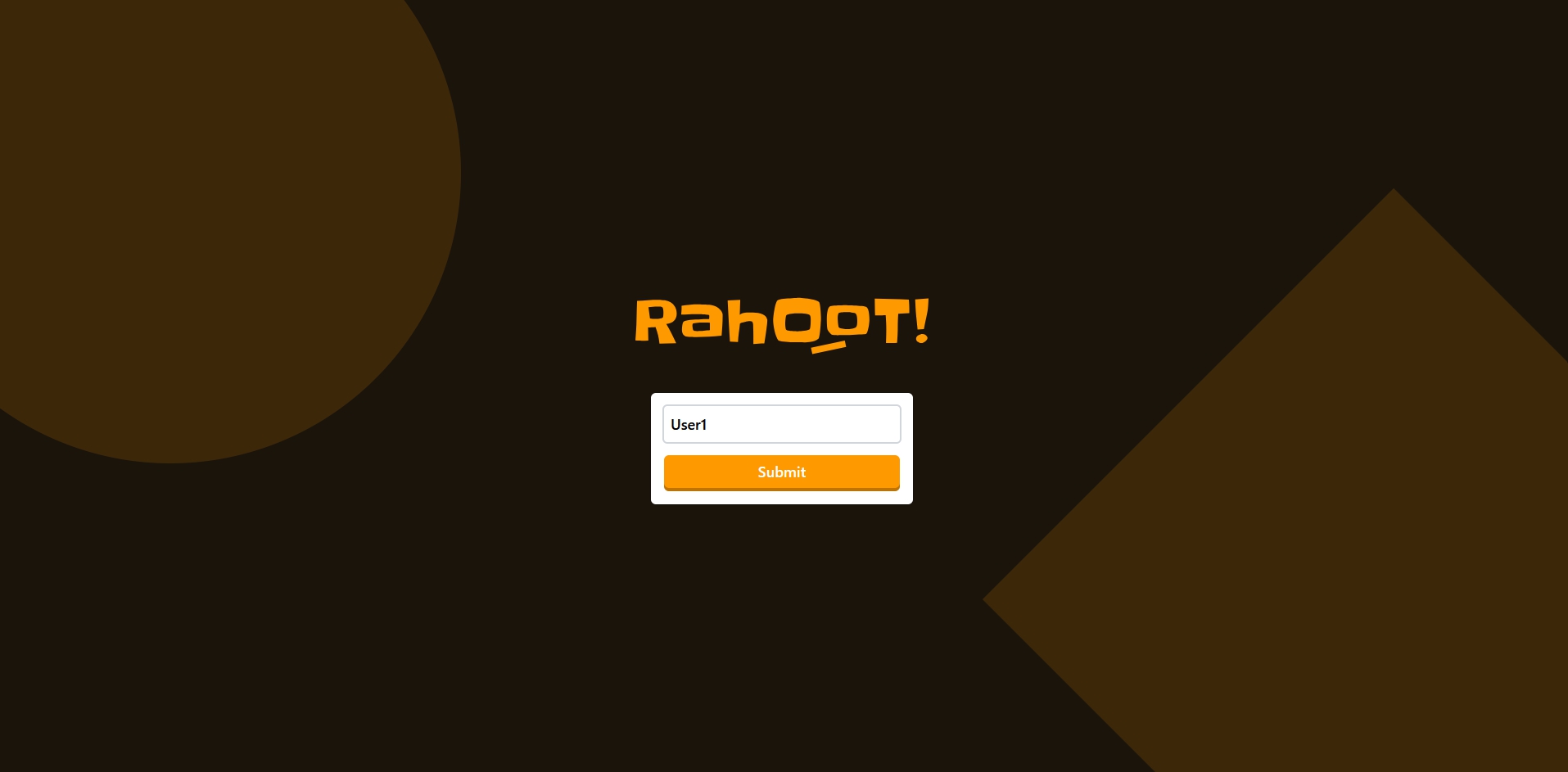
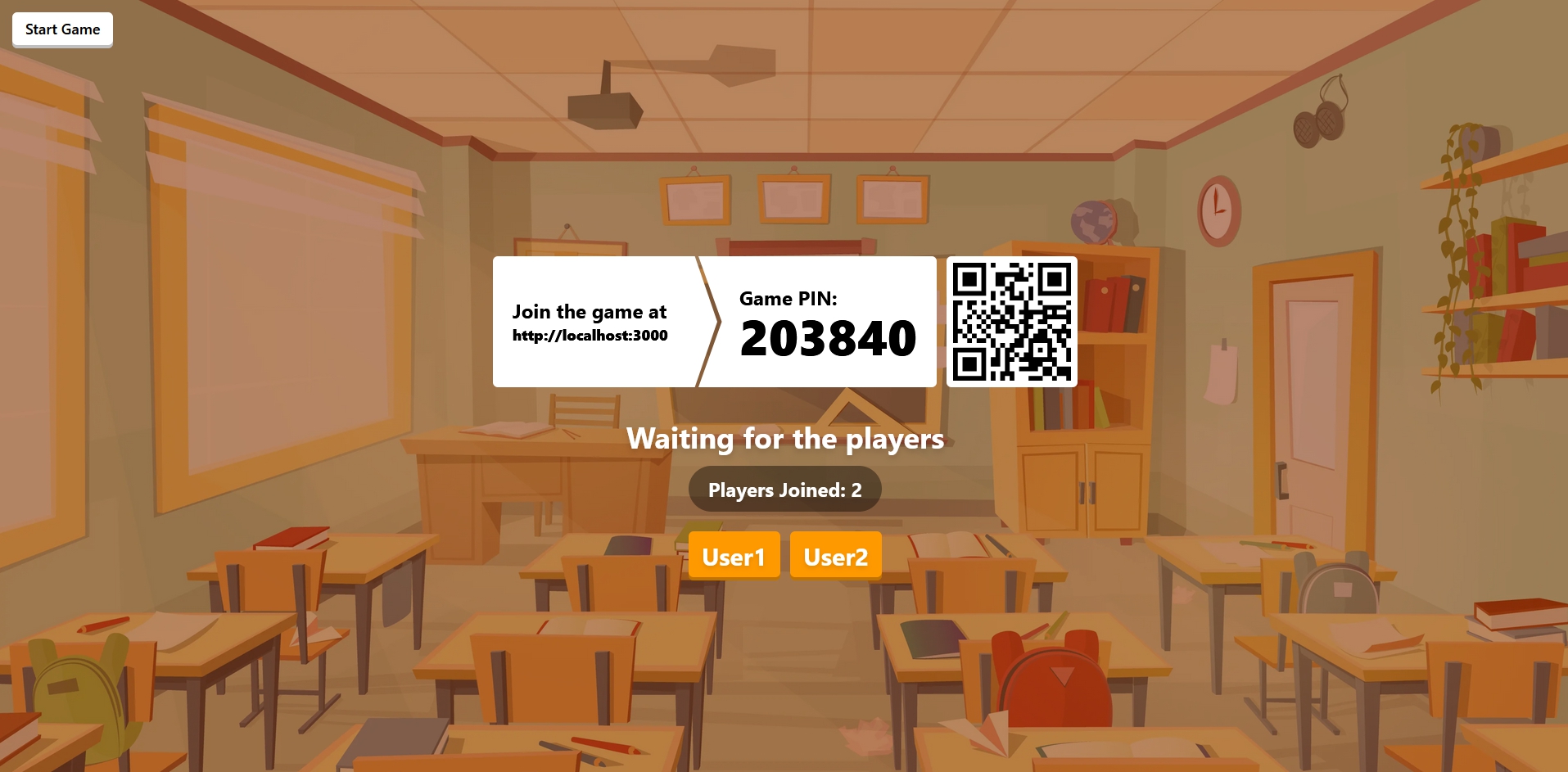
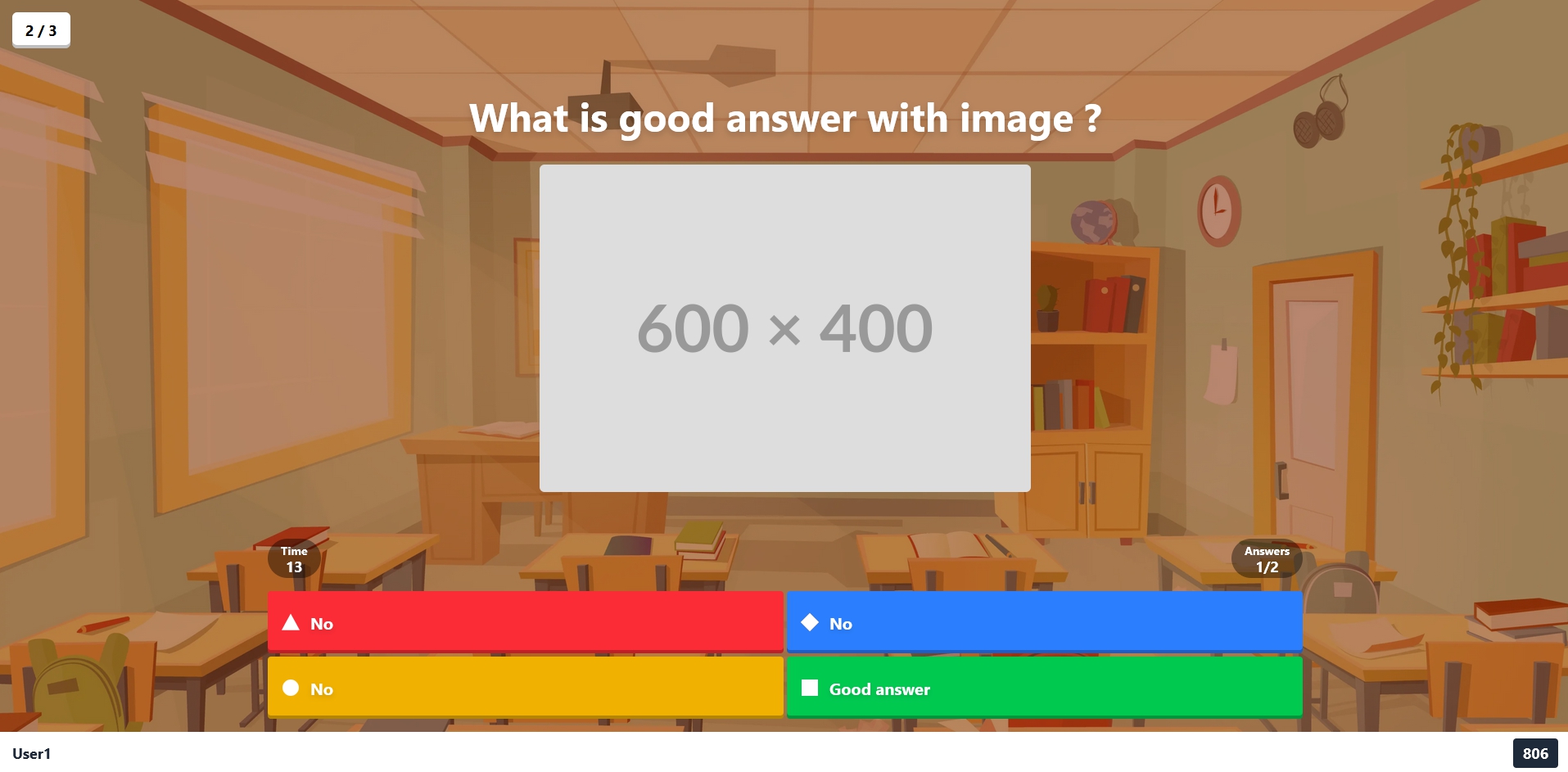
Rahoot is a straightforward and open-source clone of the Kahoot! platform, allowing users to host it on their own server for smaller events.
> ⚠️ This project is still under development, please report any bugs or suggestions in the [issues](https://github.com/Ralex91/Rahoot/issues)
## ⚙️ Prerequisites
Choose one of the following deployment methods:
### Without Docker
- Node.js : version 20 or higher
- PNPM : Learn more about [here](https://pnpm.io/)
### With Docker
- Docker and Docker Compose
## 📖 Getting Started
Choose your deployment method:
### 🐳 Using Docker (Recommended)
Using Docker Compose (recommended):
You can find the docker compose configuration in the repository:
[docker-compose.yml](/compose.yml)
```bash
docker compose up -d
```
Or using Docker directly:
```bash
docker run -d \
-p 3000:3000 \
-p 3001:3001 \
-v ./config:/app/config \
-e REDIS_URL=redis://user:pass@redis:6379 \
-e MEDIA_MAX_UPLOAD_MB=200 \
-e WEB_ORIGIN=http://localhost:3000 \
-e SOCKET_URL=http://localhost:3001 \
ralex91/rahoot:latest
```
**Configuration & Media Volume:**
- `-v ./config:/app/config` mounts a local `config` folder to persist settings, quizzes, and uploaded media (`config/quizz`, `config/media`). This keeps your data across redeploys and lets you back it up easily.
- The folder is auto-created on first run with an example quiz.
The application will be available at:
- Web Interface: http://localhost:3000
- WebSocket Server: ws://localhost:3001
### 🛠️ Without Docker
1. Clone the repository:
```bash
git clone https://github.com/Ralex91/Rahoot.git
cd ./Rahoot
```
2. Install dependencies:
```bash
pnpm install
```
3. Change the environment variables in the `.env` file
4. Build and start the application:
```bash
# Development mode
pnpm run dev
# Production mode
pnpm run build
pnpm start
```
## ⚙️ Configuration
The configuration is split into two main parts:
### 1. Game Configuration (`config/game.json`)
Main game settings:
```json
{
"managerPassword": "PASSWORD",
"music": true
}
```
Options:
- `managerPassword`: The master password for accessing the manager interface
- `music`: Enable/disable game music
### 2. Quiz Configuration (`config/quizz/*.json`)
Create your quiz files in the `config/quizz/` directory. You can have multiple quiz files and select which one to use when starting a game.
Example quiz configuration (`config/quizz/example.json`):
```json
{
"subject": "Example Quiz",
"questions": [
{
"question": "What is the correct answer?",
"answers": ["No", "Yes", "No", "No"],
"image": "https://images.unsplash.com/....",
"media": { "type": "audio", "url": "https://example.com/song.mp3" },
"solution": 1,
"cooldown": 5,
"time": 15
}
]
}
```
Quiz Options:
- `subject`: Title/topic of the quiz
- `questions`: Array of question objects containing:
- `question`: The question text
- `answers`: Array of possible answers (2-4 options)
- `image`: Optional URL for question image (legacy; use `media` for new content)
- `media`: Optional media attachment `{ "type": "image" | "audio" | "video", "url": "" }`. Examples:
- `{"type":"audio","url":"https://.../clip.mp3"}`
- `{"type":"video","url":"https://.../clip.mp4"}`
- `solution`: Index of correct answer (0-based)
- `cooldown`: Time in seconds before showing the question
- `time`: Time in seconds allowed to answer
Tip: You can now create and edit quizzes directly from the Manager UI (login at `/manager` and click “Manage”).
### Manager Features
- Upload image/audio/video directly in the quiz editor (stored under `config/media`).
- Manual “Set timing from media” to align cooldown/answer time with clip length.
- Media library view: see all uploads, where they’re used, and delete unused files.
- Delete quizzes from the editor.
- Pause/Resume/Skip question intro and answer timers; End Game button to reset everyone.
- Player list in manager view showing connected/disconnected players.
- Click-to-zoom images during questions.
- Player reconnect resilience: Redis snapshotting keeps game state; clients auto-rejoin using stored `clientId`/last game; username/points are hydrated locally after refresh without a manual reload.
### Resilience & Persistence
- Redis snapshotting (set `REDIS_URL`, e.g., `redis://:password@redis:6379`) keeps game state so managers/players can reconnect without losing progress.
- Client auto-reconnects using stored `clientId` and last `gameId`; state resumes after refresh/tab close if the game still exists.
- `MEDIA_MAX_UPLOAD_MB` env controls upload size limit (default 50MB; set higher for video).
## 🎮 How to Play
1. Access the manager interface at http://localhost:3000/manager
2. Enter the manager password (defined in quiz config)
3. Share the game URL (http://localhost:3000) and room code with participants
4. Wait for players to join
5. Click the start button to begin the game
## 📝 Contributing
1. Fork the repository
2. Create a new branch (e.g., `feat/my-feature`)
3. Make your changes
4. Create a pull request
5. Wait for review and merge
For bug reports or feature requests, please [create an issue](https://github.com/Ralex91/Rahoot/issues).